
Manage the network
Manage routers, switches, firewalls and access points from MikroTik, Cisco, Palo Alto, Ubiquiti UniFi and TP-Link Omada, and monitor any other make that answers SNMP.
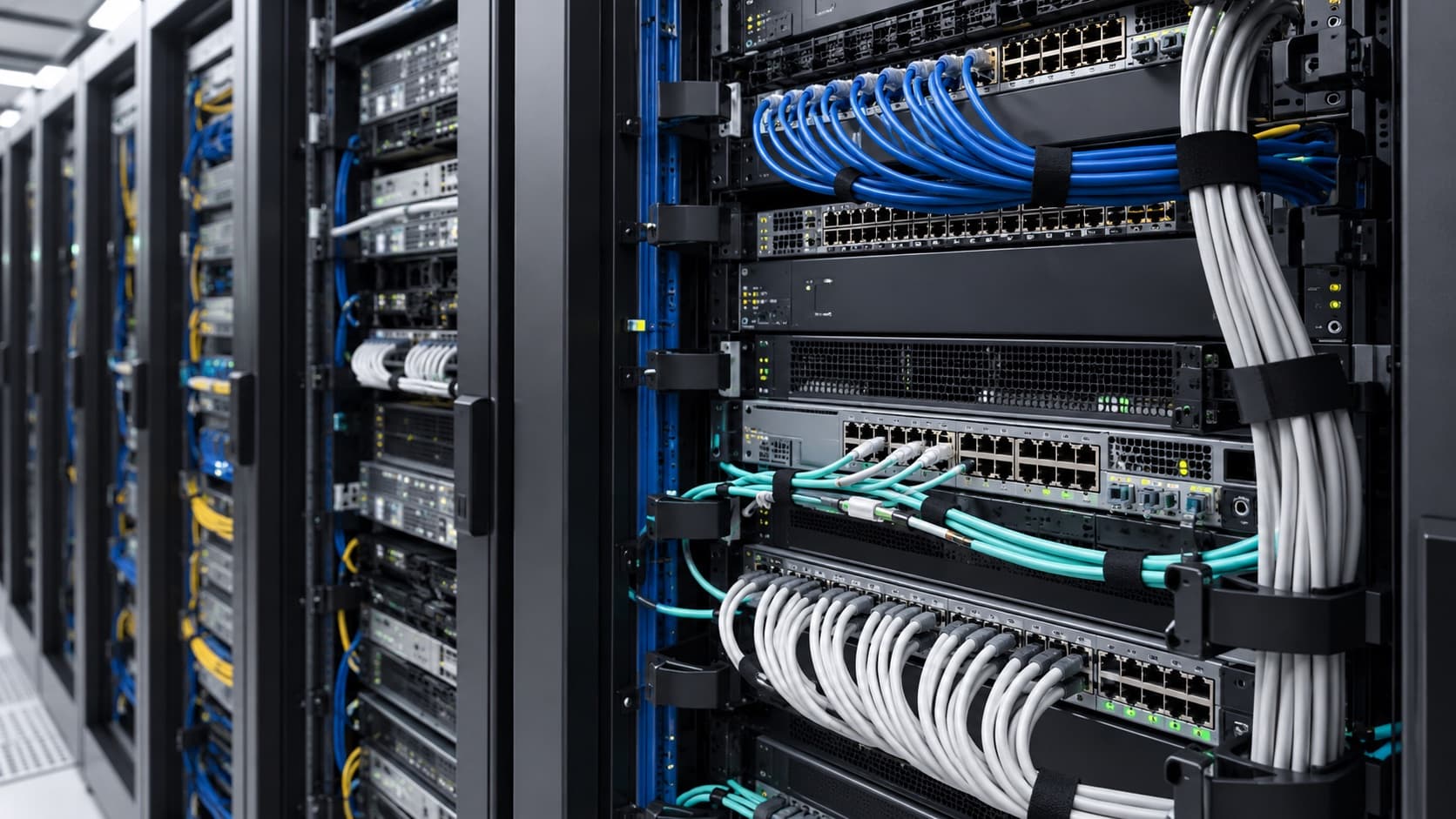
Product
Many ICT teams keep the network in one tool, the racks in a spreadsheet and the hypervisors in a third. PureView holds all three in one console, on a server you control.
Manage routers, switches, firewalls and access points from MikroTik, Cisco, Palo Alto, Ubiquiti UniFi and TP-Link Omada, and monitor any other make that answers SNMP.
Record sites, buildings, rooms, rows and racks, down to the rack unit each device occupies.
See physical servers and the virtual machines on Proxmox and VMware ESXi beside the network they depend on.
Deployment
Install PureView on your own server. Device credentials, configuration history and logs stay in your environment.
How your data stays localGetting PureView
PureView runs on a server inside your network under an annual subscription. Your own engineers can install it, or Zenaclove can install it at your site for a fee.
Before you subscribe, we confirm support for your equipment and agree the subscription terms with you.
Demonstration
Send us the makes and models you run. We will tell you which of them PureView supports, then show them on a working installation.
Request a demo