01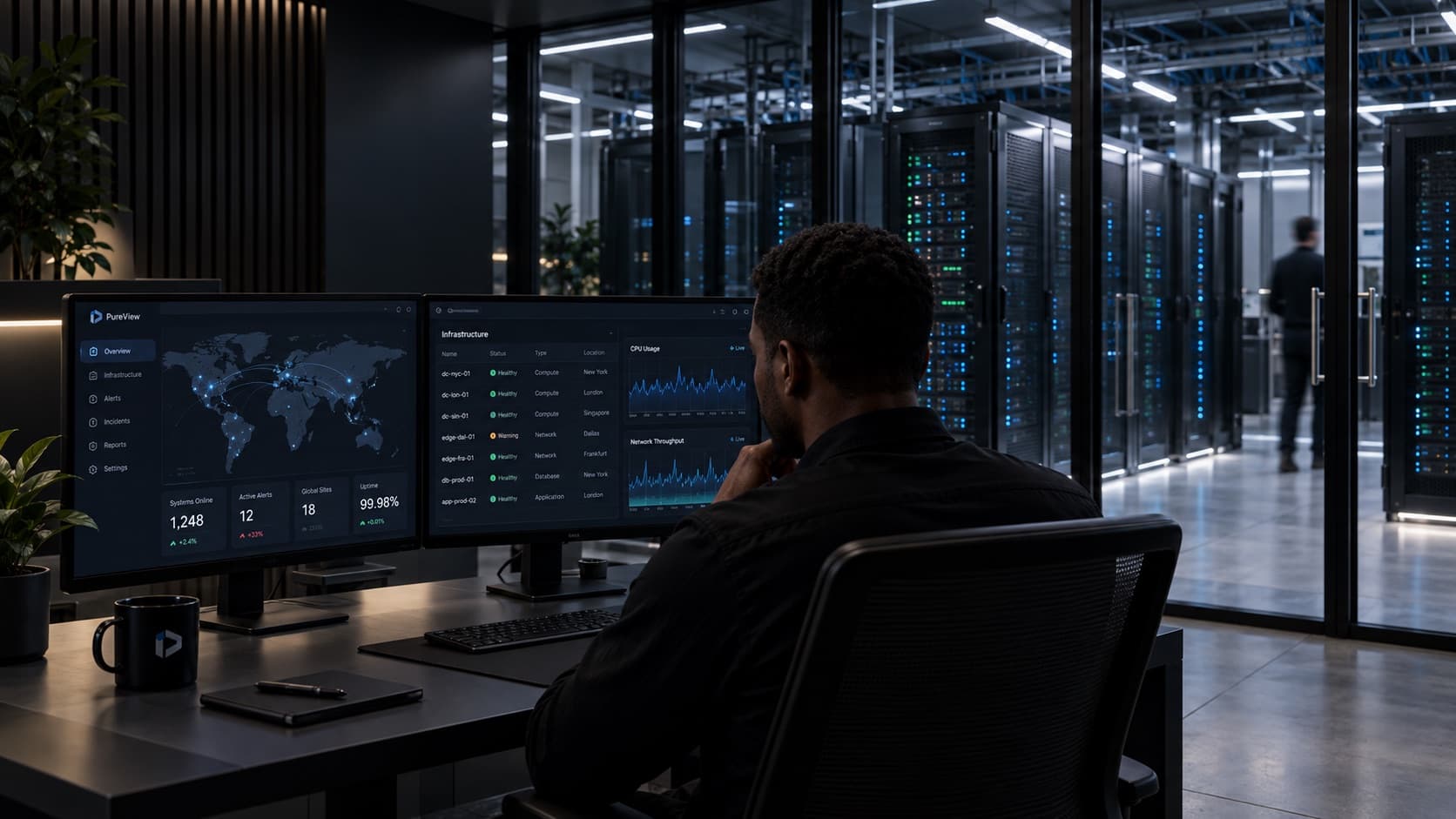
Find what is on the network
Give PureView a range of addresses. It finds the devices that answer, identifies the maker and model where it can, and reads each switch's neighbour table to work out what connects to what.
Explore the product
Network and IT infrastructure management
PureView runs on a server inside your own network. It monitors your routers, switches, firewalls, access points and servers, backs up their configurations, and shows your team what failed and where it is plugged in.
When something breaks
When a distribution switch fails, PureView raises one incident for that switch, counts the devices behind it and holds back their separate alarms. From the switch you can open its rack, its neighbours and the equipment on its power feed.
Give PureView a range of addresses. It finds the devices that answer, identifies the maker and model where it can, and reads each switch's neighbour table to work out what connects to what.
Explore the product
PureView runs on a server inside your network, and its database, history and device passwords stay there. The passwords are encrypted with a key that belongs to your installation.
See the security approach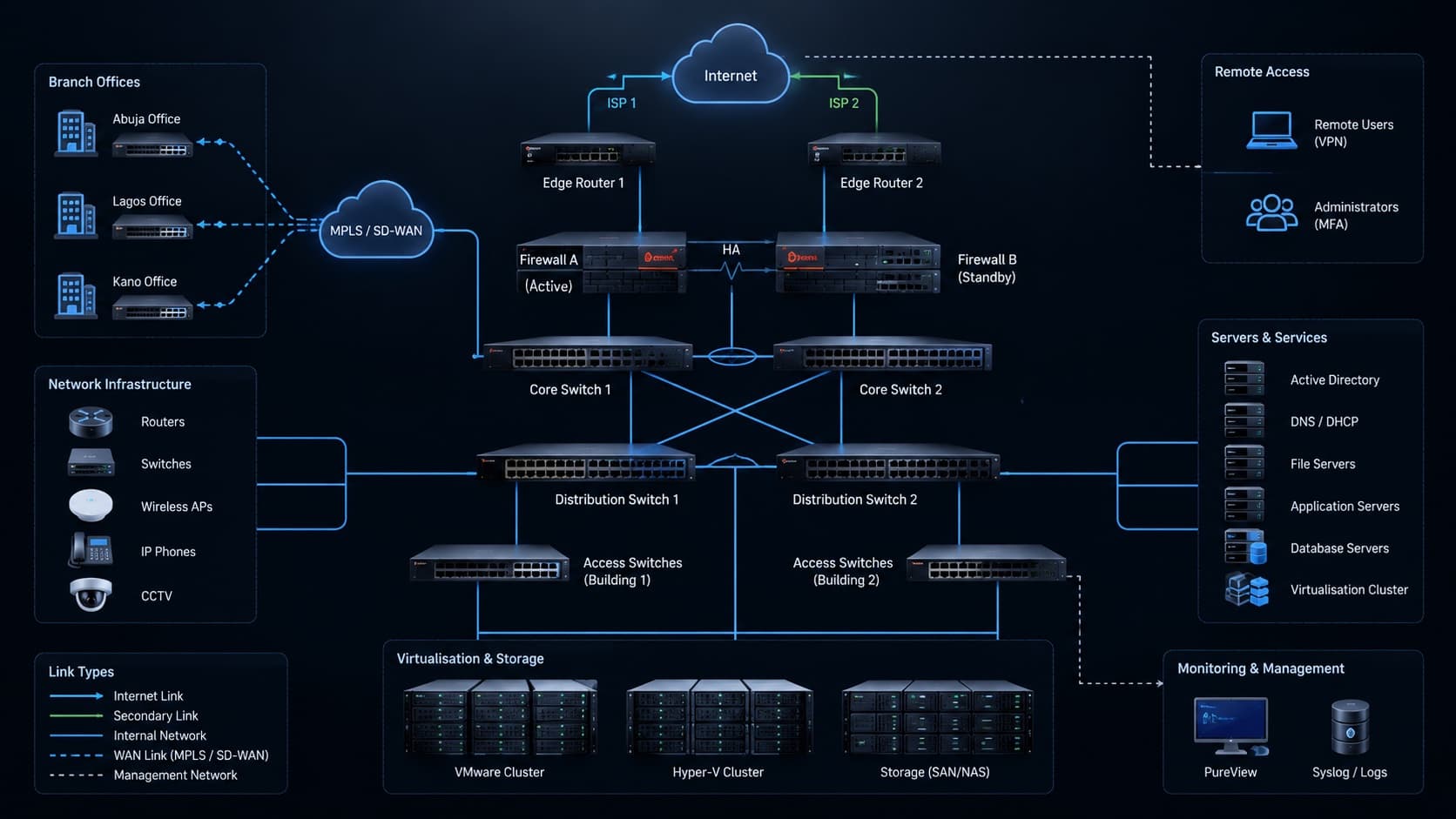
Send us the makes and models you run. We will tell you which of them PureView supports and show them on a working installation.
Arrange a demonstrationFor clients
Sign in to see your subscription and licences, download updates and raise support requests. Ask us to set up access for your organisation.
Demonstration
Tell us what you run and what you need to know. We will plan the demonstration around it.
Request a demo